Darija or MSA subtitles? Caption a Moroccan product video
Choose between Darija captions and an MSA adaptation, split a real voice sample into readable lines, and review the final phone export.
Choose what the text is meant to do
A product video can contain a spoken script, captions and a headline such as a product name or offer. Decide which is which before editing. A short headline does not replace the full spoken message for someone watching without sound.
- Darija captions: follow the recording in Arabic script and keep familiar wording consistent throughout the video.
- MSA adaptation: rewrite for a wider Arabic-reading audience that needs formal Arabic, then check that the offer, conditions and tone still mean the same thing. Do not present it to the editor as a word-for-word transcript.
- Another language: prepare a separate translation and review it against the recording. Avoid stacking every language over the product in one small frame.
A worked example from Hala’s recording
Play the existing Moroccan Darija gift-shop sample below. Its opening question gives us a concrete captioning example. The whole recording is provided so you can compare the text with the speech; no new audio was made for this guide.
بغيتي هدية زوينة لشي حد عزيز عليك؟ اكتاشف مجموعتنا الجديدة، واختار اللي عجبك. التوصيل متوفر لجميع المدن.
Try this voice with your textStart from the approved audio
Keep the original script as a reference, but listen to the actual file when making captions. If the recording omits a word or reads a name incorrectly, decide whether to replace that audio before timing the text. Showing the intended word on screen does not fix an incorrect spoken price or promise.
If your editor offers automatic transcription, use its result as a draft. Replay each line and check Darija words, names and negation. A missed negation such as “ماشي” or “لا” can reverse the message. Include a speaker label or a relevant sound description when a viewer needs it to understand what is happening.
Break lines where the phrase still makes sense
For the opening above, try “بغيتي هدية زوينة” on one line and “لشي حد عزيز عليك؟” on the next. This is an editorial layout example, not measured caption timing. Set the start and end against the actual recording in your editor.
- Keep a product name, a price and its currency, or a short phrase together when possible. Avoid leaving one stray word on its own.
- If the caption feels crowded, try a better phrase break before shrinking the font. If the speech itself is too dense, shorten the script and make a new recording.
- Use clear contrast and leave room for the product, platform buttons and any essential offer conditions. Check the exported frame, not just the editor canvas.
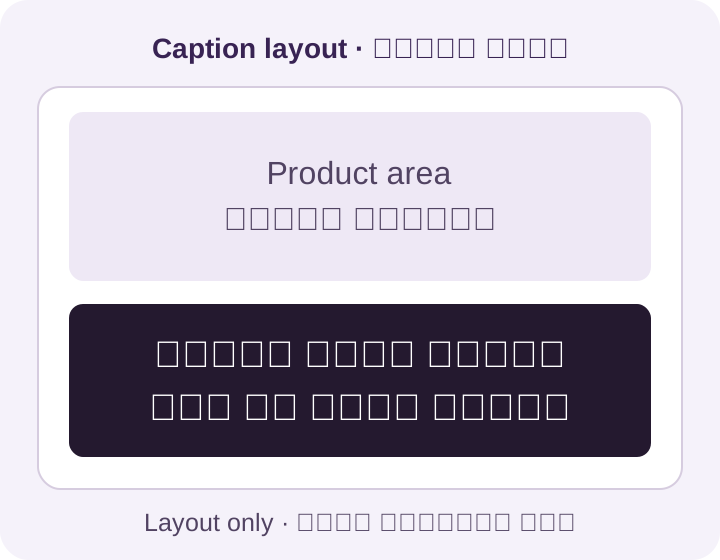
Check numbers and mixed-script text on the phone
A Latin brand name beside Arabic text can look fine in the editor and become awkward after export. Inspect the order of letters, numbers, currency and punctuation in the actual video. Keep the approved brand spelling; do not reverse its letters to make one preview look right.
Compare every displayed amount and condition with the spoken line and product page. If the speech says delivery costs extra, a large price graphic must not imply delivery is included. When an offer changes, update the audio, captions and graphics as one version.
- Watch once muted: can you follow the message, including its conditions, without the voice?
- Watch again with sound: do the captions follow the words and disappear at sensible points?
- Check an actual phone at normal viewing size. Look for clipped Arabic letters, tiny text, product overlap and captions hidden by interface controls.
- Decide whether the text is burned into the video or supplied as a separate caption track. If the destination shows both, remove the duplicate display. Keep the editable text and final audio together.
Plan the voiceover before the final edit
This guide uses FasihTTS for the voice recording and a video editor for caption text, timing and export. The public demo helps you hear a voice; it does not prove how your own script will sound. Follow the generator’s current status or retry time rather than assuming a paid allowance guarantees immediate availability.